.svg)
Sidebar Summary:
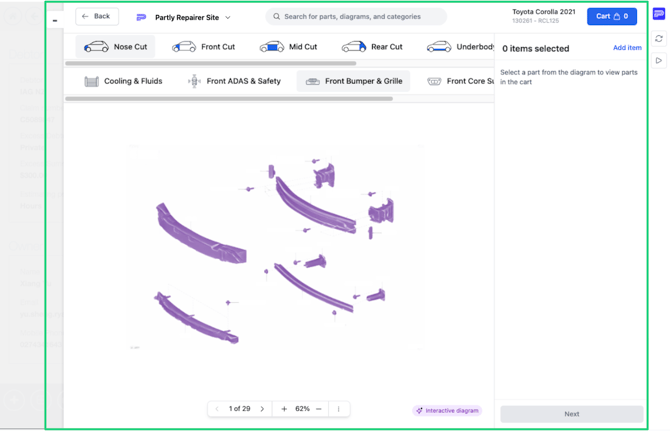
It is a portable version of the Partly Repair App that sits alongside your existing workflow.
With the Sidebar, you can have the Repair App open on the right side of your screen while working in your BMS on the left.
The main benefit is that it makes it quick and easy to copy your parts sourced through Partly into your BMS, so you don’t have to enter the same information again.
If you haven't seen it yet, we also have a Training Video explaining the installation
How to Install the Partly Helper Sidebar
-
Navigate to the extension link: Partly Helper Sidebar
- If the link above opens in the wrong browser (i.e Edge instead of Chrome, or vice versa) you can manually navigate to Sidebar.Partly.com to access the installation page.
-
Click:
-
“Add to Chrome” if using Google Chrome
-
“Get” if using Microsoft Edge
-
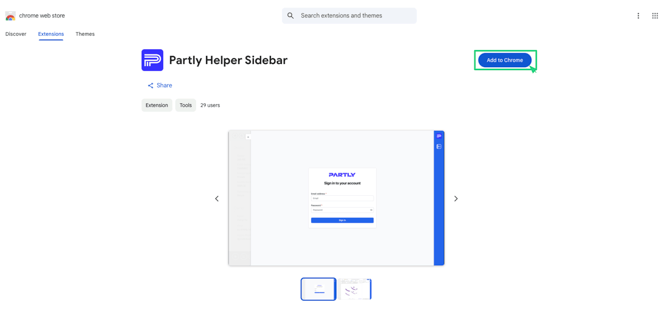
- You may be prompted to log into a google account. This is not necessary and you can simply dismiss the pop-up requesting you to log in.
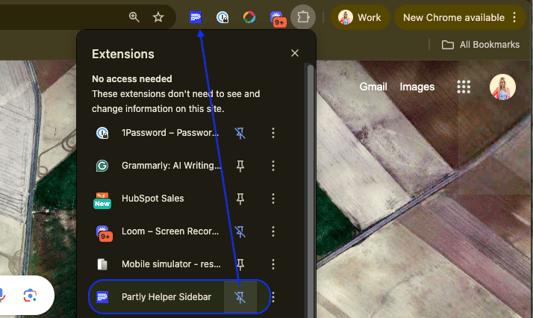
- Next you can Pin the Partly Sidebar to your Bookmarks bar. You can find the pin menu by clicking on the 'Puzzle Piece icon' in the top right of your browser.
First-Time Activation
-
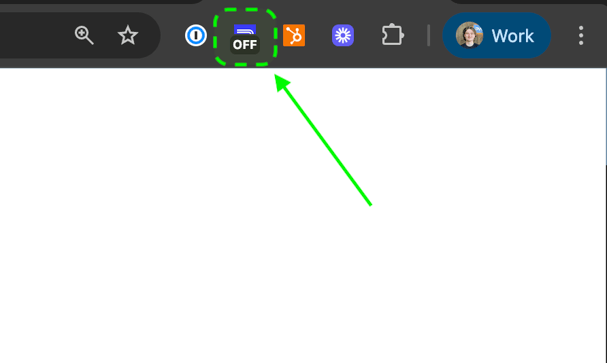
Go to your bodyshop system and click the Sidebar Icon to switch from OFF ➝ ON
-
Enter your Partly Repair App credentials
Successful First-Time Activation.
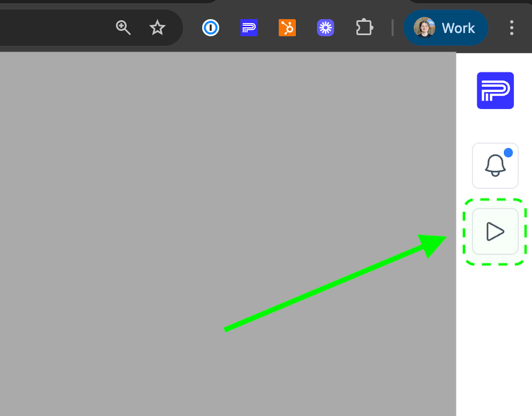
- It is Very Important to activate the sidebar after your first install. Select the triangle button (highlighted in the image below) to do this.
- Nothing visible will happen, but this activation allows us to sync your BMS system to your Partly account.
Minimising the Sidebar
-
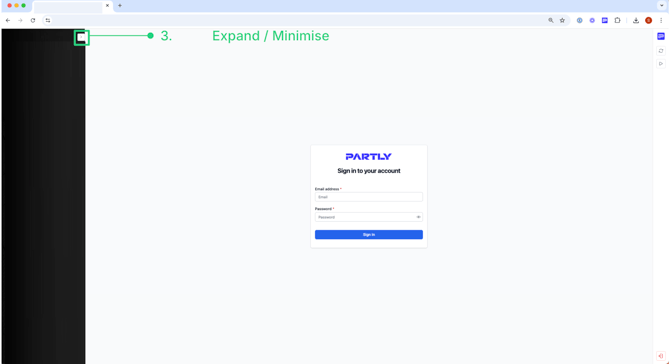
Click the “-” (minus) icon to minimise.
Navigating Job Views
-
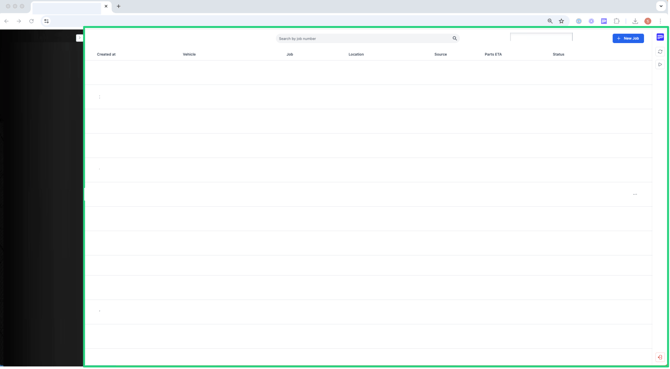
Main Jobs Page appears when you are not inside a specific job
-
[VERY IMPORTANT] When inside a job/estimate on your bodyshop system, it will auto-load the Parts Interpretation page