.svg)
What messaging does
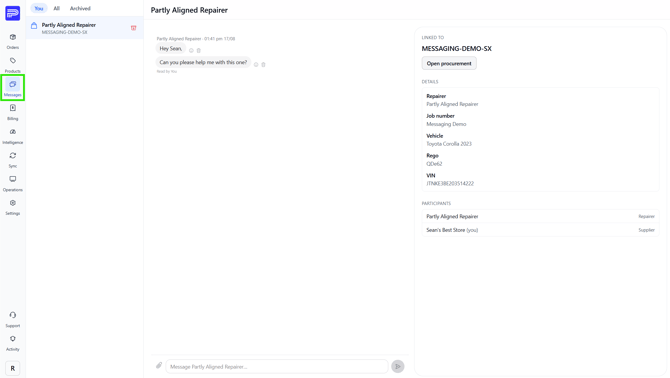
Messaging connects the repairer and the supplier on a single job. Each thread is bound to a job reference, so both sides are always looking at the same vehicle and the same parts.
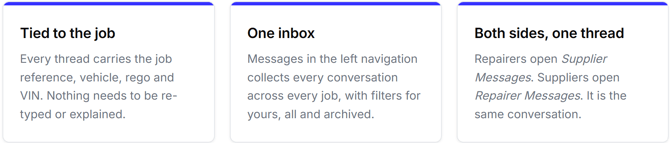
Start a conversation with a supplier
Conversations begin from the job itself, so the thread inherits the right context from the start.
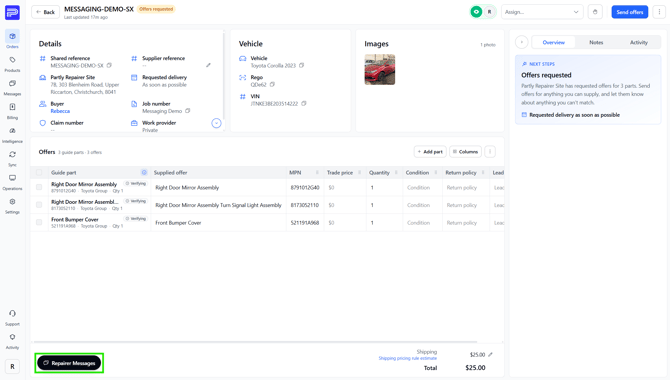
1. Open Repairer Messages
On the order, select Repairer Messages in the bottom-left corner.
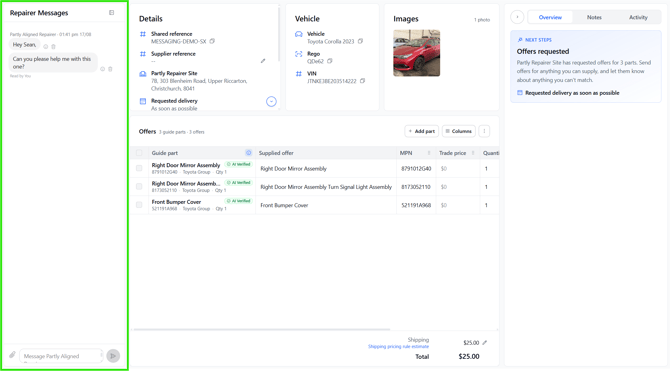
2. Message without losing the order
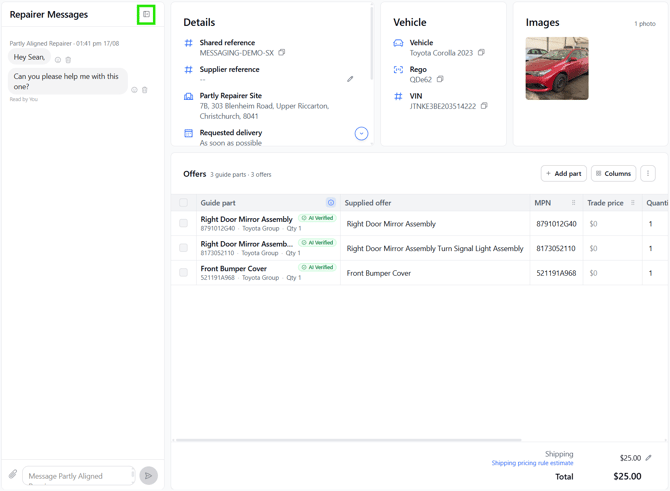
The panel opens down the left side while details, vehicle, images and offers stay on screen. Reply with the parts in front of you.
3. Expand the panel when you need room
Use the panel icon in the top-right of the messages header to widen or collapse the conversation.
The Messages hub
The panel is for one job. The hub is for all of them, listing every conversation you have in one place.